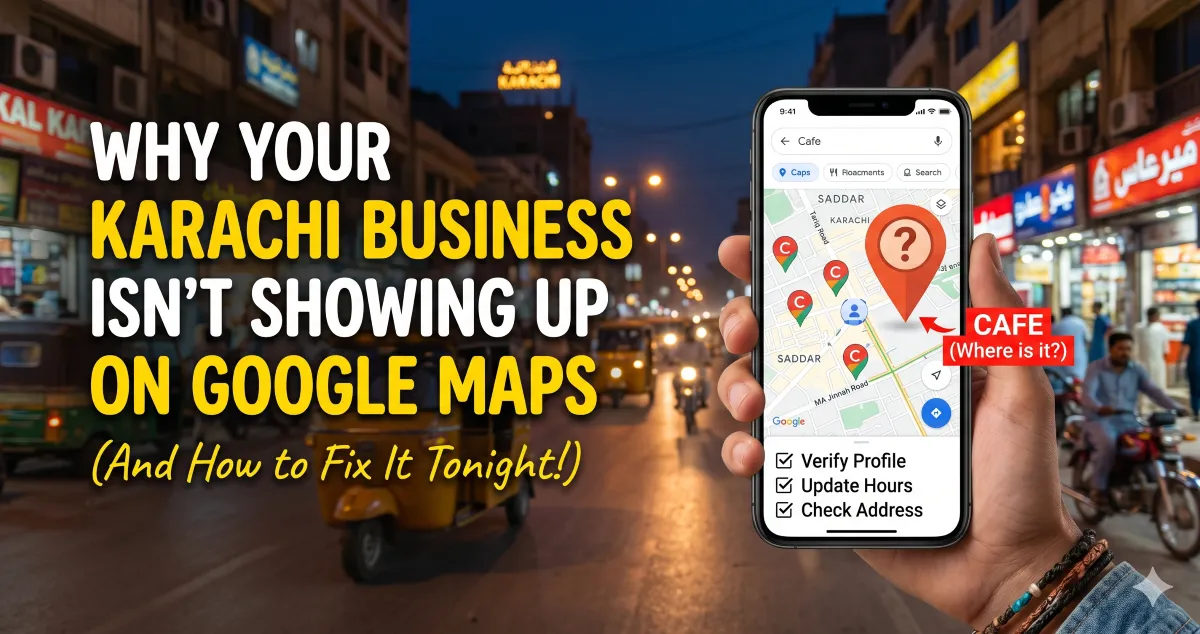
Let’s be honest for a second. There is nothing more frustrating than opening up Google Maps, typing in what your business does, and seeing a bunch of your competitors pop up while your own shop is nowhere to be found.
You’ve poured your heart, soul, and hard-earned cash into setting up your business in Karachi. Whether you run a cozy cafe in DHA, a bustling boutique in Zamzama, or an electronics store near Tariq Road, you know people are looking for you. But if Google is giving you the cold shoulder, you’re losing customers every single day to businesses that might not even be half as good as yours.
The good news? You don't need a massive tech budget or a degree in computer science to fix this. More often than not, a few small, overlooked details are keeping you invisible.
Let’s break down exactly why Google is hiding your business and how you can fix it before you go to bed tonight.
1. The "Ghost Town" Profile (You Never Claimed It)
Sometimes the simplest explanation is the right one: Google might know your business exists, but it doesn’t know you own it. If you haven’t officially claimed your Google Business Profile (what we used to call Google My Business), you are essentially a ghost in the machine.
Google is obsessed with accuracy. If a listing looks abandoned or unverified, Google won't risk showing it to users.
-
The Fix: Go to Google Maps, search your business name. Do you see a little link that says "Own this business?" or "Claim this business"? Click it. Follow the verification steps. It might take a minute, but it is the absolute foundation of everything else.
2. The Identity Crisis (Your NAP is a Mess)
In the world of local search, NAP stands for Name, Address, and Phone number. Google's algorithm acts like a digital detective; it cross-checks your information across the entire internet to make sure you are legitimate.
If your Facebook page says you’re located at "Plot 4-C, Lane 3, Shahbaz Commercial," your website says "4C Shahbaz Commercial Area," and your Google listing just says "DHA Phase 6," Google gets confused. When Google gets confused, it hides your listing to protect its users from getting lost.
-
The Fix: Pick one exact way of writing your address, your business name, and your active mobile or landline number. Keep it identical everywhere—from your website's footer to your Instagram bio and local directory listings. Consistency builds trust with the algorithm.
3. You’re Forgetting Your Neighborhood Context
Karachi is a massive, sprawling metropolis. People rarely just search for a service broadly; they search by proximity. They want a "printing press in Nazimabad," a "dentist in Gulshan-e-Iqbal," or a "car repair shop near Bahadurabad."
If your profile and website only mention "Karachi," you’re missing out on how locals actually search. You need to feed Google geographic context.
-
The Fix: Open up your profile description and naturally weave in your local area. Mention landmarks if they make sense. Don't just say you're a clothing brand; say you're a "bridal boutique located near the main commercial hubs of Clifton, Karachi."
4. You’re Treating Your Profile Like a Static Billboard
A lot of local business owners set up their listings once and never look at them again. Google hates stagnation. The algorithm favors businesses that are alive, active, and engaging with the community.
If you haven’t uploaded a fresh photo in six months, have zero reviews, or haven’t updated your timings for Ramadan or public holidays, Google assumes you might be closed.
-
The Fix: Treat your listing like a mini social media feed. Take five minutes tonight to upload 3 to 4 high-quality, real photos of your storefront, your team, or your latest products. Don’t use stock photos—people (and Google) can spot fake, generic images from a mile away.
5. The Review Silence
Let’s talk about reviews. They aren't just there to make you feel good; they are pure ranking fuel. If your competitor down the road has forty 4.5-star reviews and you have two, Google is going to recommend them first almost every single time.
More importantly, the words your customers use in those reviews matter. If a customer writes, "Best biryani in Saddar," Google reads that and connects your business directly to that specific search intent.
-
The Fix: Don’t be shy. Send a polite WhatsApp message tonight to five of your most loyal, regular clients. Tell them you’re trying to grow your local online presence and ask if they’d mind leaving an honest review. Drop them your direct Google review link to make it effortless for them.
Your Tonight Checklist
Before you close your laptop tonight, log into your dashboard and check these three quick wins:
-
Are your operating hours 100% correct?
-
Is your primary business category accurate (e.g., are you listed as a "Digital Agency" instead of just a generic "Consultant")?
-
Did you add a local Karachi phone number that actually gets answered?
Fixing your local visibility doesn't happen by magic, but it does happen quickly once you start giving Google the clear, consistent signals it's looking for. Get these basics right tonight, and watch your business start showing up where your customers are actually looking.